
Your favorite sites, one keystroke away
Speed Dial New Tab for Chrome & Firefox
Organize your favorite sites into groups, columns, and pages. Pick from 11 themes, drag everything into place, and sync across all your devices – no registration required.
- No registration
- No subscription
- No ads or tracking
How it works
Click "Add to Chrome" or "Add to Firefox". No sign-up, no setup wizard – just instant access.
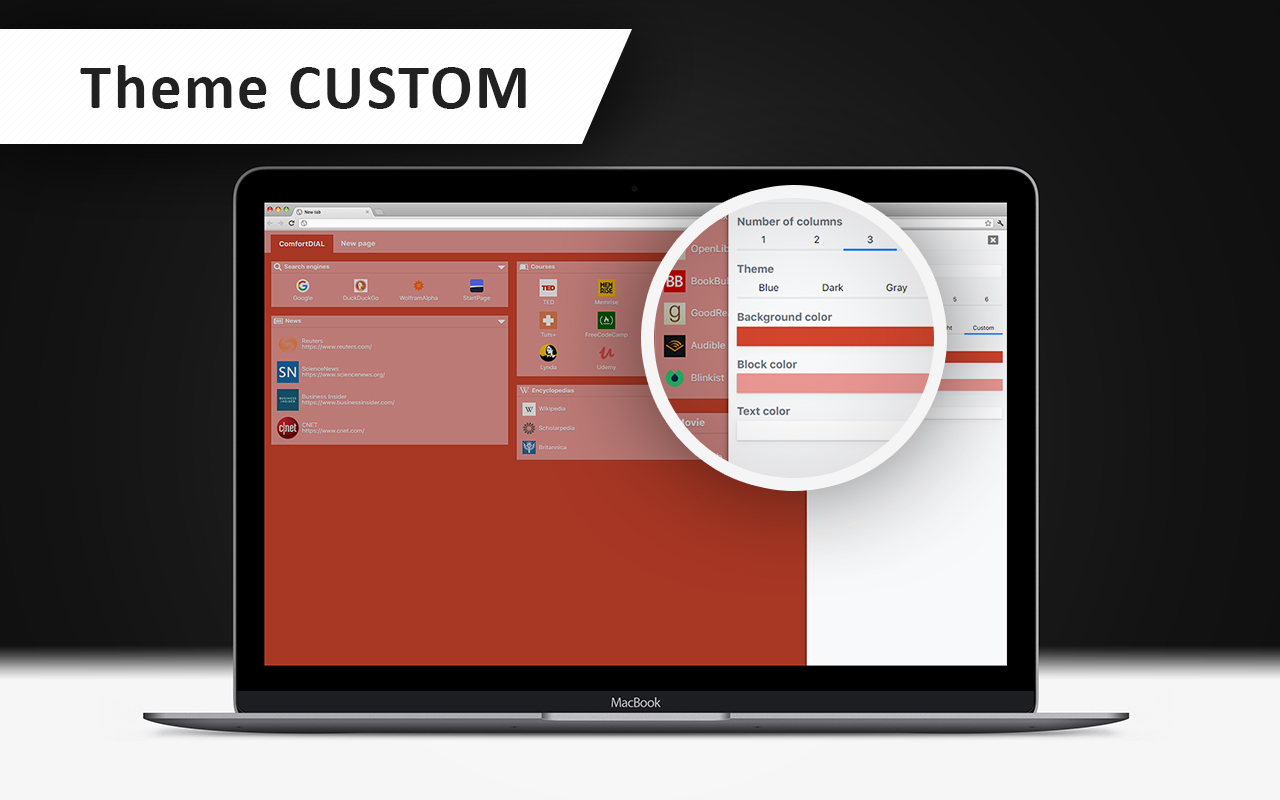
Add bookmarks, group them into pages and columns, and choose a theme you love. Drag everything into the layout that works for you.
Sign in to your browser and ComfortDIAL appears on every device automatically. No separate account needed.
Your new tab vs. the default
Everything you need in a new tab
Build multiple Speed Dial pages, each with its own columns and named bookmark groups – organize everything the way you actually think
Bookmarks stay in sync on all your devices automatically through your browser account
Reorder bookmarks, blocks, columns, and pages with smooth, intuitive drag & drop
Set a custom color, icon, and font size for every group and bookmark individually – your Speed Dial, your rules
Replace the blank default page with a beautiful, organized bookmarks screen that opens instantly
All data stays on your device. No servers receive your bookmarks or browsing habits – guaranteed
11 Themes
Preview · click to apply on this page
See it in action
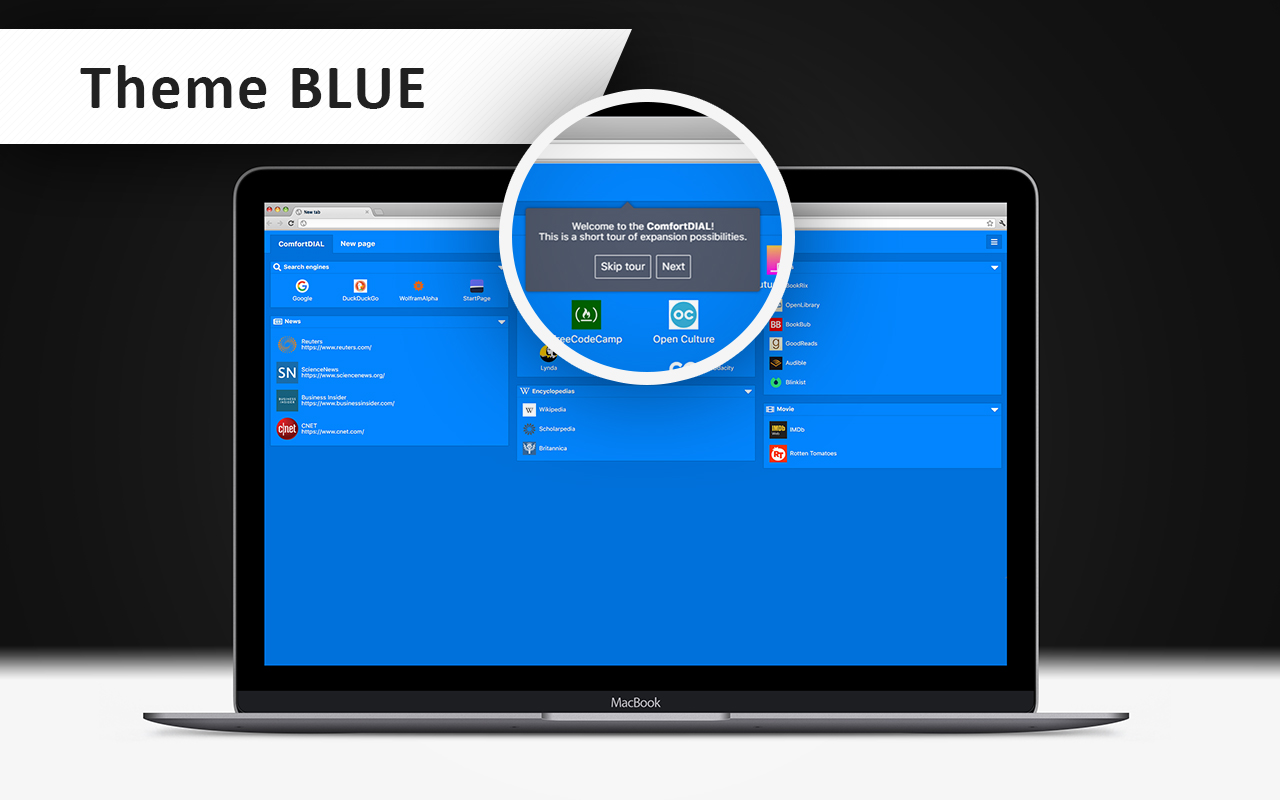
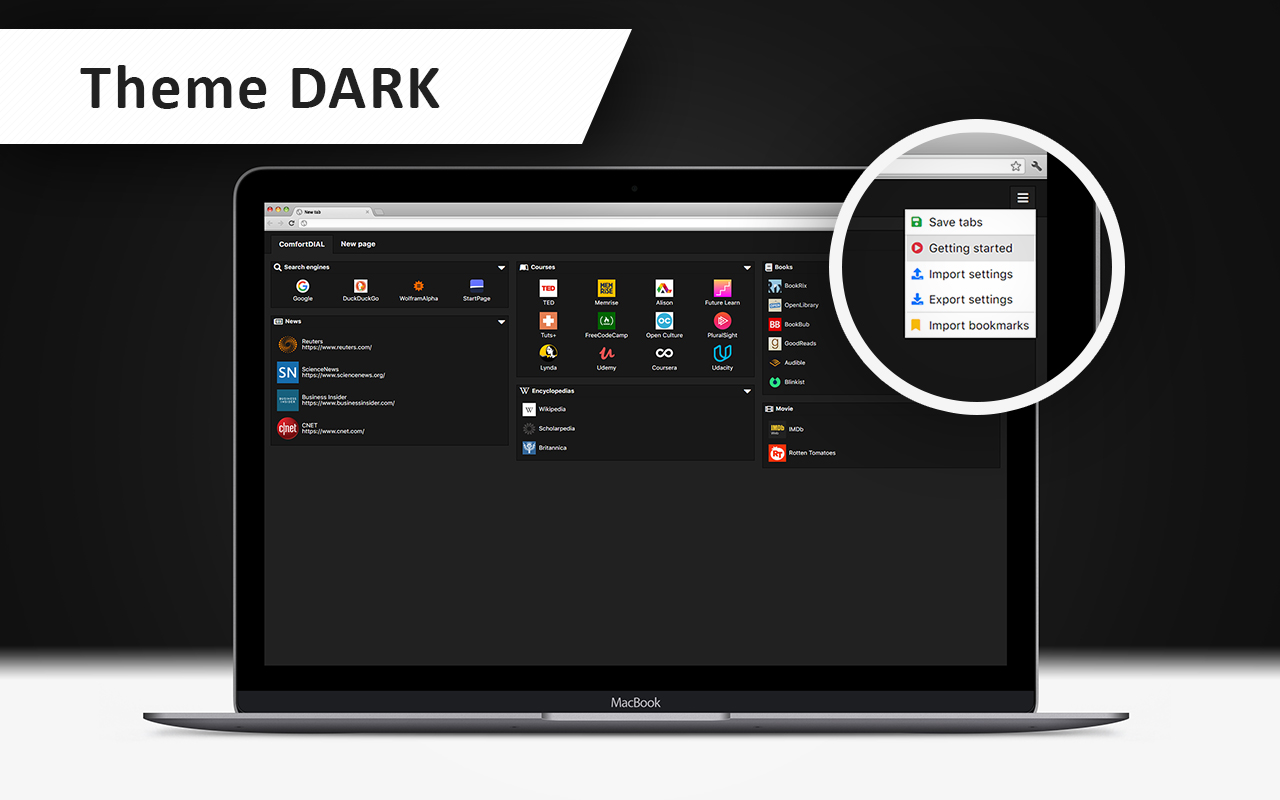
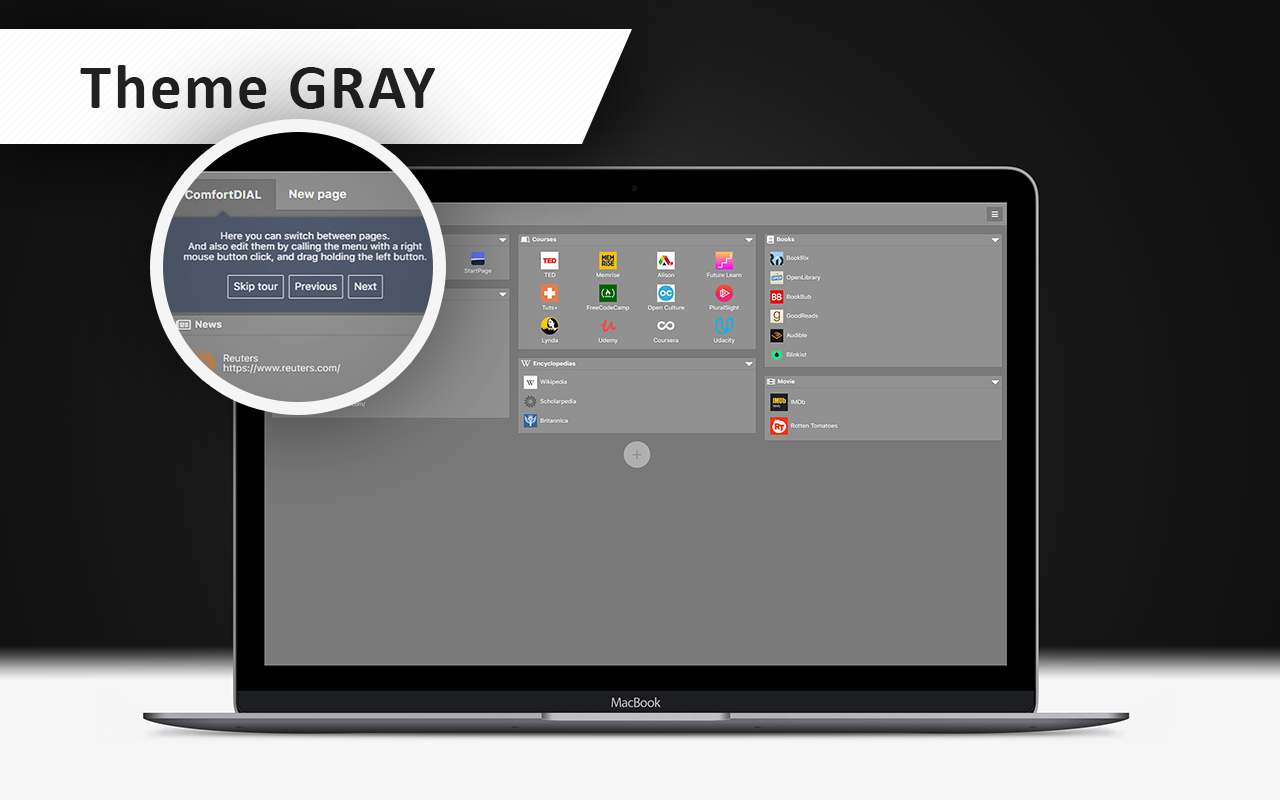
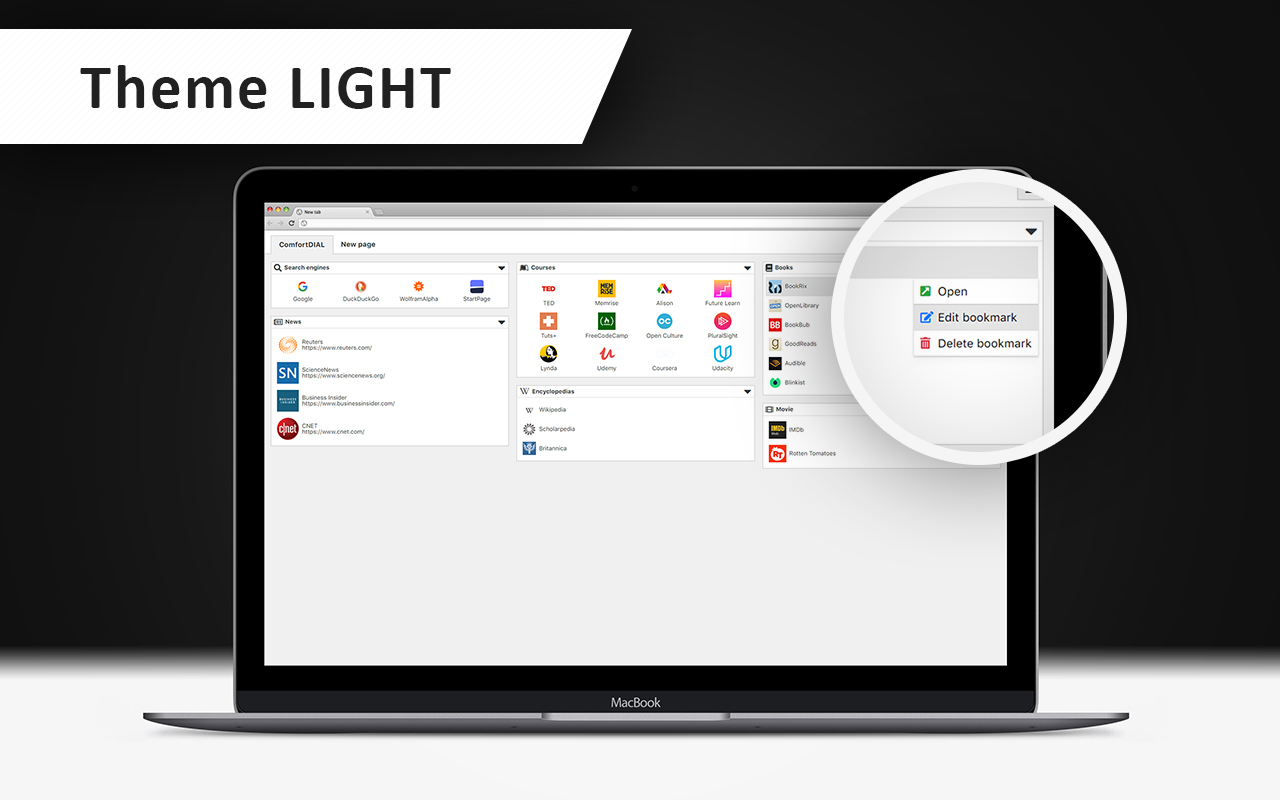
1 / 5 — ComfortDIAL welcome screen on first install
Frequently Asked Questions
Getting Started
General
Data & Backup
Limits
Transform your new tab today
Takes 5 seconds to install. Works on Chrome and Firefox.
- No registration
- No subscription
- No ads or tracking